Signing in to your Azure subscription
Overview
This section explains how to sign in to an existing Azure subscription.
What you need to do
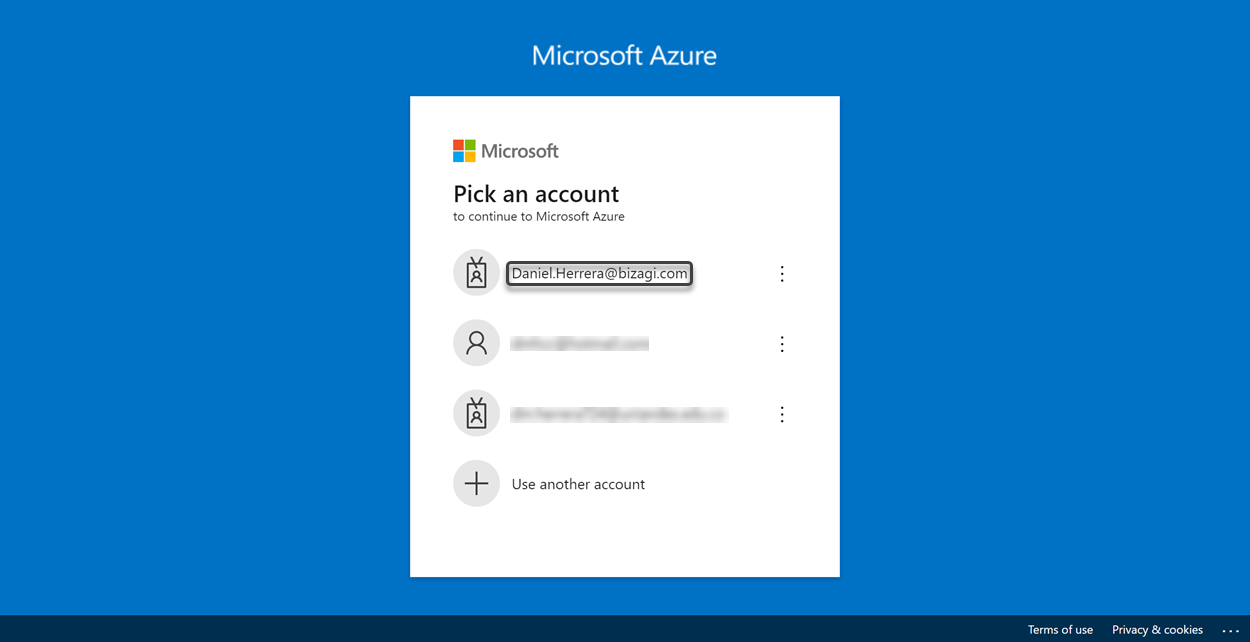
In your preferred web browser, go to the Microsoft Azure portal website. If you are not currently signed, you must be redirected to the portal's sign in page. Select an account that has an active Azure subscription.
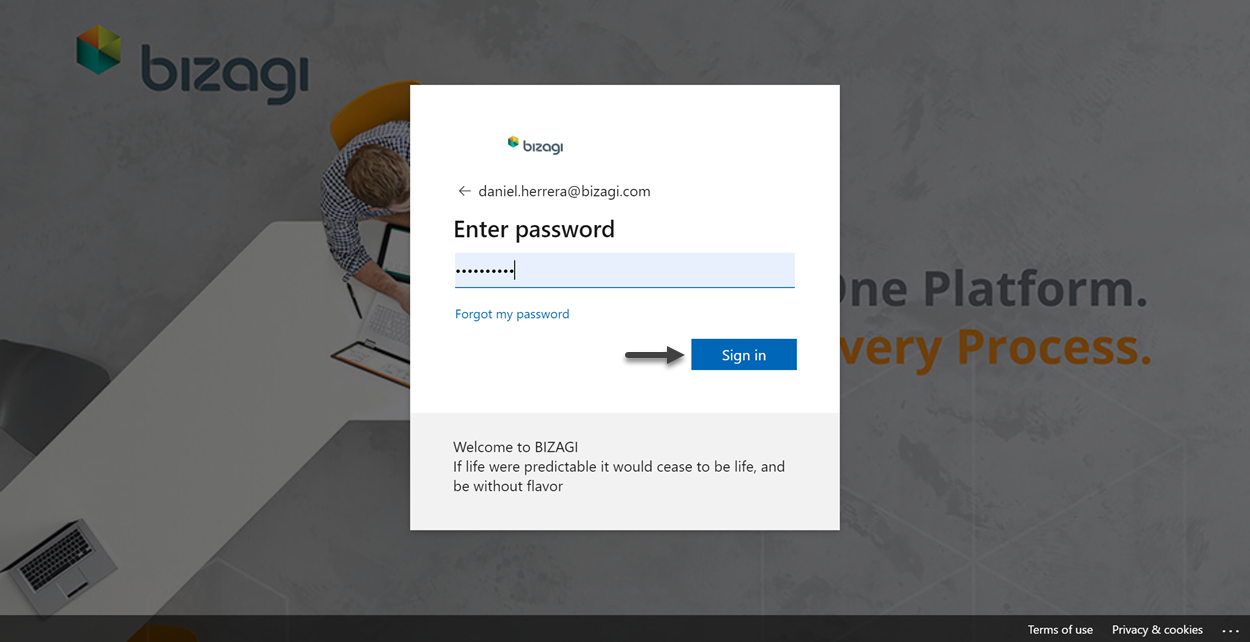
Enter your password and then click the Sign in button.
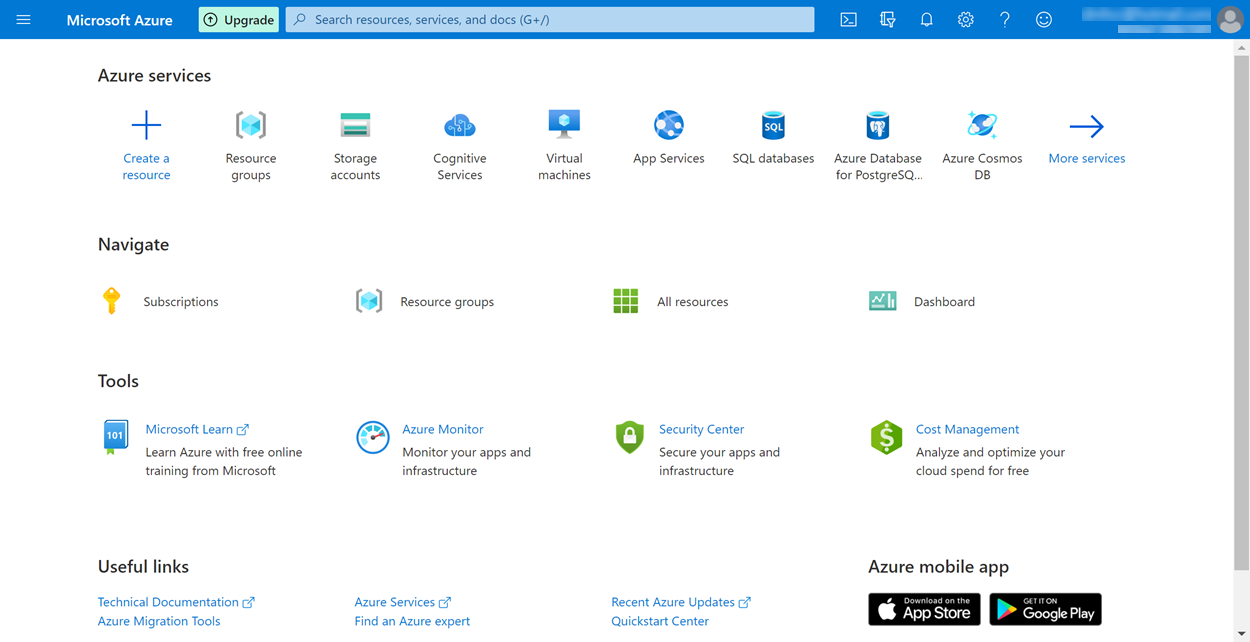
You are directed to Microsoft Azure portal's home page. If you have not created any resource, the page should be displayed as follows: